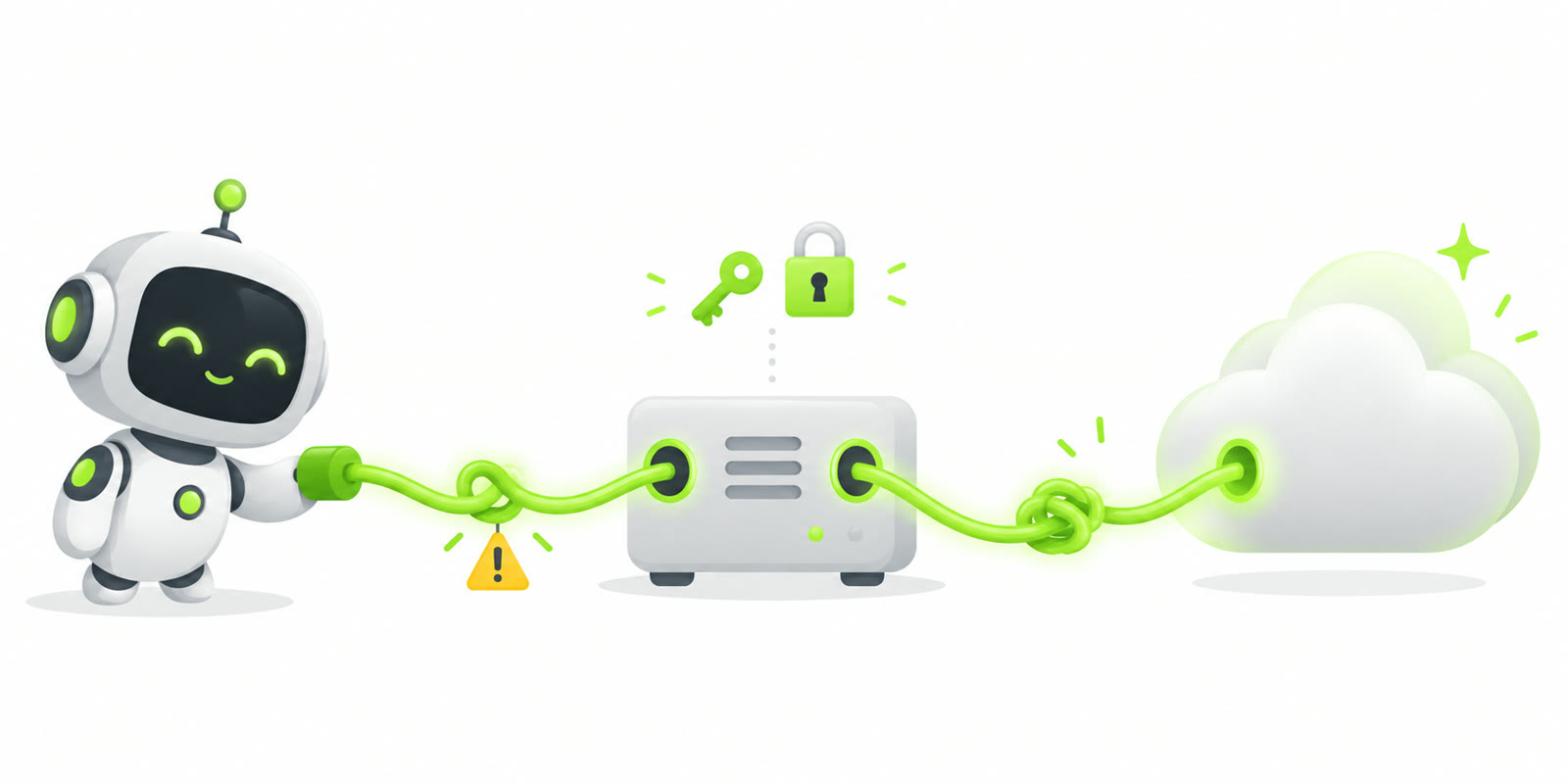
The Goal
I run Hermes, an open-source AI agent, on my home server. I talk to it through Discord and Telegram. It ran on my OpenAI subscription, and I also pay for Claude Pro. So I wanted to use Claude as a model in Hermes too, and switch between the two per conversation.
The Catch
Hermes has a native Anthropic provider. But using a subscription there instead of a pay-per-use API key needs Claude Max plus extra usage credits. I have Pro, not Max.
Hermes can also call the Claude Code CLI as a skill (claude -p ...). That works with Pro, but then Claude is a coding agent that Hermes hands work to. It is not the model Hermes itself thinks with. Not what I wanted.
Picking a Bridge
What I needed was something that takes my Claude login and exposes it as an OpenAI-compatible API. Hermes can use that as a custom provider. I looked at a few:
- Small Claude Code bridges that wrap
claude -pbehind/v1/chat/completions. Nice idea, but young projects. - OmniRoute: a big all-in-one AI gateway with hundreds of providers, routing strategies and a dashboard. Way more than I need, and in my tests it kept losing its authorization.
- CLIProxyAPI: a well-maintained Go proxy (MIT) that turns subscription OAuth logins into OpenAI/Anthropic-compatible endpoints. Streaming and tool calls included. Docker image available. (EasyCLIProxyAPI is just a desktop GUI around it.)
CLIProxyAPI won. Note: it doesn’t start the Claude Code CLI. It uses the Claude Code OAuth credentials directly.
Step 1: Build and Configure
I ended up running my fork (more on why below). Its README has the whole setup; this is the short version:
git clone https://github.com/L0g0ff/CLIProxyAPI.git
cd CLIProxyAPI
docker build -t cliproxyapi-opus55 .
mkdir -p auths && chmod 700 auths
openssl rand -hex 32
Put that random value in config.yaml as the proxy API key:
host: "0.0.0.0"
port: 8317
auth-dir: "/auths"
api-keys:
  - "REPLACE_WITH_THE_GENERATED_KEY"
claude-header-defaults:
  user-agent: "claude-cli/2.1.280 (external, cli)"
The API key protects the proxy itself. Without it, anyone who can reach the port can use your subscription.
Step 2: Log In to Claude
docker run --rm -it \
  -p 127.0.0.1:54545:54545 \
  -v "$PWD/config.yaml:/CLIProxyAPI/config.yaml:ro" \
  -v "$PWD/auths:/auths" \
  cliproxyapi-opus55 ./CLIProxyAPI --claude-login --no-browser
It prints an Anthropic login URL. After you log in, the browser is redirected to http://localhost:54545/callback?code=.... My browser wasn’t on the server, so open an SSH tunnel from the machine running the browser first:
ssh -L 54545:127.0.0.1:54545 user@server
The tunnel only helps for the login attempt that is still waiting; every attempt has its own state, so an old link is useless. And the callback URL contains a one-time authorization code: don’t paste it in a chat window. (Yes, I learned that one the hard way. 😉)
The OAuth tokens land in auths/. Never commit that directory, bake it into an image or share it.
Then start the proxy, bound to localhost only:
docker run -d --name cliproxyapi-opus55 \
  --restart unless-stopped \
  -p 127.0.0.1:8317:8317 \
  -v "$PWD/config.yaml:/CLIProxyAPI/config.yaml:ro" \
  -v "$PWD/auths:/auths" \
  cliproxyapi-opus55 ./CLIProxyAPI --local-model
Step 3: Tell Hermes About It
model:
  aliases:
    claude: custom:cliproxy/claude-sonnet-5
    chatgpt: openai-codex/gpt-5.6-sol

custom_providers:
  - name: cliproxy
    base_url: http://<proxy-host>:8317/v1
    key_env: HERMES_CUSTOM_CLIPROXY_API_KEY
Now /model claude or /model chatgpt switches the model for that Discord thread only. Skills, tools and memory stay the same, because they belong to Hermes, not to the model. Hermes also still runs every tool call itself. CLIProxyAPI only translates the protocol.
Pitfall 1: Tool Calls Crashing
Some Claude threads died with “model provider failed” after three retries. The cause was in CLIProxyAPI: it renames tool names for Claude OAuth and couldn’t map a long MCP-style tool name back (no unique request-local match). That’s upstream issue #5035. ChatGPT never had this, because it doesn’t go through the proxy.
The same thread also showed a broken web search, but that turned out to be my own Hermes setup (a missing ddgs package). Two bugs in one thread, in two different places. Read the logs before you blame the new thing.
Pitfall 2: Opus 5 That Wasn’t Opus 5
I selected claude-opus-5 and it felt… older. A live test confirmed it. The response said model: claude-opus-5, but the answer itself said it was Sonnet 4.5. No error, no warning, a silent downgrade. This matched upstream issue #4548.
CLIProxyAPI disguises its requests as Claude Code traffic (“cloaking”). Comparing that with the real Claude Code CLI showed the difference. Things that did not fix it:
- Bumping the emulated Claude Code version or entrypoint alone.
- Pinning the
x-cc-atisheader, which turned out to be an experiment assignment and not a security token (claude-code#75607). - Trusting a “do you know this 2026 news?” test. Real Opus 5 failed that test too, so it proved nothing.
What did work was making the request look like it came from the Claude Agent SDK, for OAuth + Opus 5 models only:
- the billing header and User-Agent use the
sdk-clientrypoint instead ofcli; - the Claude Code system identity is swapped for the Agent SDK one;
- if the client didn’t ask for thinking, it gets adaptive thinking with effort
high.
That’s a small code patch in the cloaking path (plus tests), not a config setting. It lives in my fork as PR #1. API-key credentials and other Claude models keep their normal request shape.
Then I tested it and got… no answer at all. Panic? No: I was typing in the Discord main channel instead of the thread Hermes had created, without mentioning the bot. Hermes never saw the message. 🙈
Pitfall 3: Opus 5.5 Wants a Newer Claude Code
When Opus 5.5 came out, three things were needed in the fork:
- add
claude-opus-5-5to the built-in model catalog; - claim to be Claude Code 2.1.280 (the
claude-header-defaultsuser-agent in Step 1); - start the proxy with
--local-model, because otherwise the downloaded upstream catalog (which didn’t know Opus 5.5 yet) replaces the built-in one.
A quick check that it really works:
curl -s http://127.0.0.1:8317/v1/messages \
  -H "Authorization: Bearer $PROXY_API_KEY" \
  -H "Content-Type: application/json" \
  -H "anthropic-version: 2023-06-01" \
  -d '{"model":"claude-opus-5-5","max_tokens":64,"messages":[{"role":"user","content":"Reply exactly OPUS55-OK"}]}'
Pitfall 4: Two Proxies, One Login
A few weeks later both proxies returned HTTP 503 auth_unavailable. Hermes showed this as “provider temporarily unavailable”. The model list still loaded fine. Only real requests failed, because refreshing the Claude token failed and the credential went into cooldown.
The most likely cause: I had created the second container by copying the auth files of the first one. Claude rotates refresh tokens, so two copies of the same login keep invalidating each other. The fix is a separate -claude-login for each instance, and never copying auth files between them.
Keep Claude Code Out of It
Could Claude Code itself also go through CLIProxyAPI, so I only log in once? Technically yes, I tested it. But it added a lot of noise, so I keep it separate. Claude Code uses its own OAuth login, and CLIProxyAPI is only the bridge for Hermes.
The Fine Print
- This isn’t an official integration. Using a consumer subscription through a proxy that imitates Claude Code may conflict with Anthropic’s terms, and Anthropic can break or block it at any time. Your own risk.
- Everything goes against your normal Pro usage limits.
- Neither the model’s own answer nor the
modelfield in the response proves which model actually ran. I learned that with Opus 5. - In my experience GPT through its native API is still the smoother “orchestrator” for long Hermes tool workflows. Claude is my second opinion and writing partner.
Three Takeaways
- Separate the layers. Hermes runs the tools, CLIProxyAPI translates and holds the login, Claude Code has its own login. Most of my “bugs” were really mix-ups between those layers.
- One OAuth login per instance. Copied refresh tokens will bite you, just not right away.
- HTTP 200 doesn’t mean you got what you asked for. Test the model you think you’re paying for.
Full disclosure: I figured this out together with my AI assistant. Which, for part of the time, was running on the very setup we were debugging. 😉
Happy proxying!