The Starting Point
Last week I wrote about running Microsoft Teams on Android without installing the Teams app. The working solution was Cromite with a custom Linux desktop user agent.
It solved two problems at once. Teams stopped sending me to the app store, and my employer’s Android-specific Conditional Access rule no longer demanded Microsoft Edge. The same account already worked from a Linux browser, so presenting the browser as Linux was enough.
Functionally, Cromite did the job. Performance was another matter. Teams is heavy on a good day, and running it inside a complete browser felt slow on both my Jolla and my Fairphone with /e/OS. Starting it took too long and moving around the interface was sluggish.
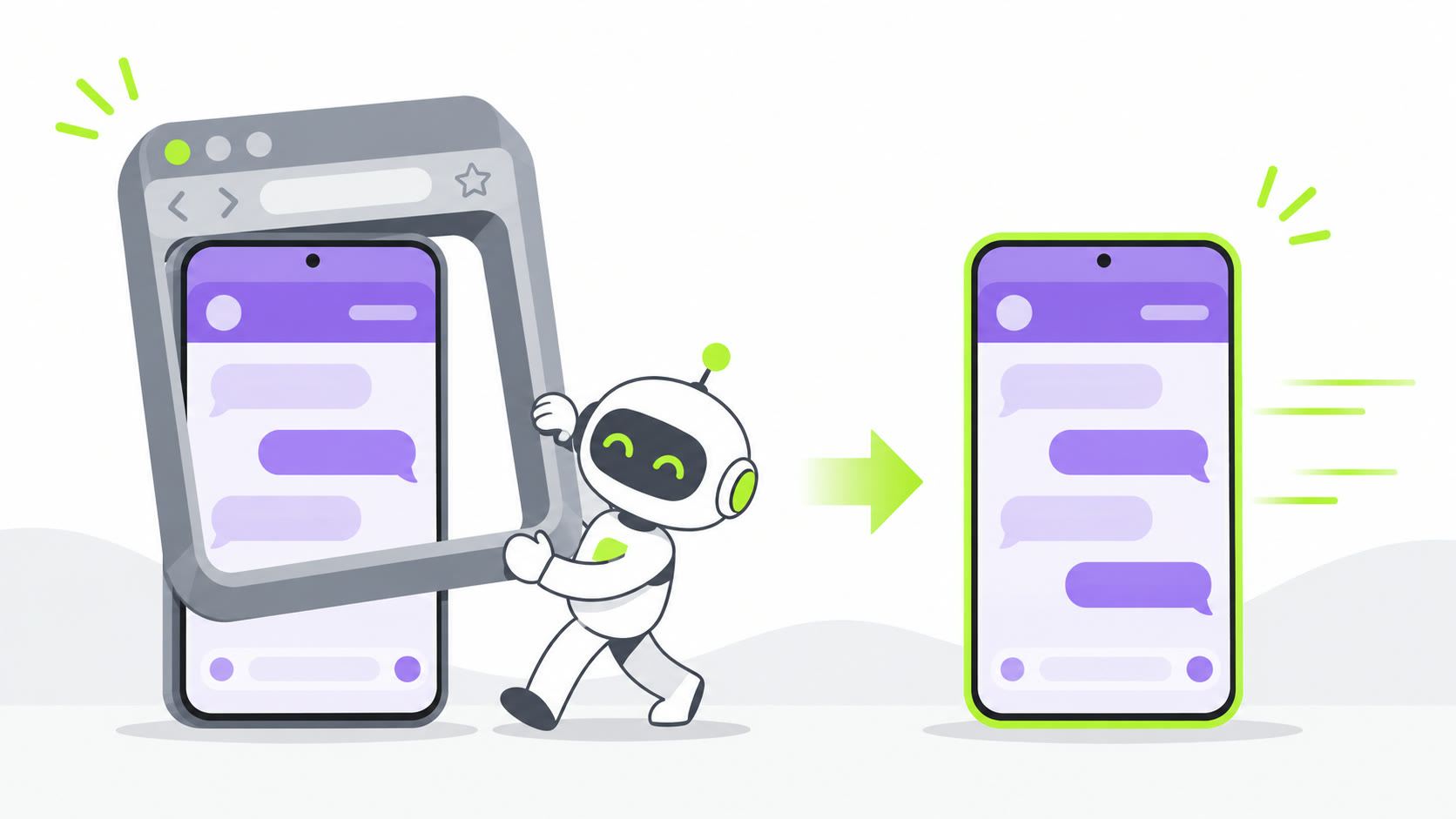
I did not need another browser. I needed one WebView pointed at Teams.
The First Wrapper
I asked Hermes to build the smallest Android wrapper that could work. It created a native Android project with one Activity and one WebView. No Compose, no browser framework and no pile of dependencies.
The wrapper does only a few things:
- Opens
https://teams.cloud.microsoft/. - Enables JavaScript, DOM storage and the cookies Microsoft sign-in needs.
- Reads the Chromium version from the installed Android WebView.
- Builds a matching Linux desktop user agent from that version.
- Keeps Android touch input, pinch zoom and the mobile-sized viewport.
The user agent is generated at runtime. That matters because Teams regularly drops old browser versions. Hard-coding a Chrome version would create a maintenance problem for no reason.
The core idea is roughly this:
WebSettings settings = webView.getSettings();
settings.setJavaScriptEnabled(true);
settings.setDomStorageEnabled(true);
settings.setUserAgentString(
    UserAgent.desktop(settings.getUserAgentString())
);

CookieManager.getInstance().setAcceptThirdPartyCookies(webView, true);
webView.loadUrl("https://teams.cloud.microsoft/");
The current test APK, including its new launcher icon, is about 55 KB. The actual Teams application still comes from Microsoft over the web, of course. The APK only contains the wrapper.
Does It Perform Better?
Yes, clearly, on both phones.
I have not run a synthetic benchmark, so I will not invent percentages. The practical difference is obvious: the wrapper starts faster and Teams responds more smoothly than it did in Cromite on the Jolla and the Fairphone with /e/OS.
Both routes eventually use a Chromium-based rendering engine. The wrapper is faster because it removes everything around it: browser tabs, browser chrome, a general-purpose profile and features that have nothing to do with Teams. Android opens one small Activity and gives nearly the whole screen to the WebView.
It also behaves more like an app. There is a dedicated launcher icon, Android’s back button works, the login survives a restart and the interface keeps touch and zoom instead of pretending the phone has a mouse.
The First Bugs Were Useful
The first build worked well enough to log in and chat. Then the real phones immediately found the parts a desktop test would miss.
Android 15 put the Teams header underneath the system status bar. Padding the WebView did nothing, so Hermes replaced that attempt with the platform’s edge-to-edge opt-out for this small wrapper. That fixed it.
The on-screen keyboard currently covers the message field while I type. Camera access also exposes an interesting mismatch: Teams tries to open the Windows URI ms-settings:privacy-webcam, which Android understandably reports as an unknown scheme.
Those are now proper GitHub issues instead of notes in a chat. The webcam fix needs two pieces: secure Android camera and microphone permission handling, plus translation of the Windows settings link to this app’s Android permission page.
Turning It into a Real Client
The project is public at github.com/L0g0ff/teams-for-android. I also had Hermes inspect the current Teams for Linux source code rather than guessing which wrapper features might be useful.
Teams for Linux is a mature Electron wrapper with notifications, downloads, deep links, file handling, multiple accounts, screen sharing and a lot of desktop integration. Copying all of that to Android would be a mistake. D-Bus, a system tray and desktop window management have no useful place on a phone.
The next few days are about turning this tiny proof of concept into a full-blown Teams client, one tested issue at a time:
- keep Microsoft login inside the wrapper while opening normal links in the external browser;
- add Android’s file picker for attachments;
- support Teams and SharePoint downloads;
- handle Teams deep links from other apps;
- recover cleanly from offline starts and failed page loads;
- add an explicit session reset;
- test foreground notifications without scraping Microsoft’s changing HTML;
- add camera and microphone support for calls;
- fix the keyboard covering the compose box.
Hermes is doing most of the implementation work as the coding agent. My job is to install each APK on the Jolla and the Fairphone with /e/OS, try the awkward cases and send back screenshots when Android or Teams does something unexpected.
A GitHub Action for repeatable builds and signed releases is also on the list. Until that exists, the APKs are test builds rather than a polished distribution channel.
And Then Outlook
Once the Teams wrapper has the boring Android plumbing in place, I want to reuse the same pattern for Outlook Web: one focused client, the right desktop identity, persistent login and only the native integrations that make sense on a phone.
That should be a much smaller job because the hard lessons are already being captured here: system bars, keyboard insets, file pickers, downloads, external links, permissions and release signing.
I do not want to rebuild Teams or Outlook. I want thin clients that let Microsoft’s web applications run without dragging a complete general-purpose browser into the foreground every time.
The Fine Print
This remains an unofficial experiment. Microsoft can change Teams Web or its browser checks at any time. The Linux user agent also means the sign-in appears as Linux in the tenant logs. If an organization requires a managed Android app, device compliance or broker claims, a user-agent change cannot provide those.
The project contains no Microsoft Teams or Teams for Linux source code. It is an independent Android WebView wrapper inspired by the same basic idea as Teams for Linux.
Three Takeaways
- If one website is the whole job, a dedicated WebView can feel much faster than opening a full browser around it.
- A current desktop user agent gets Teams through the browser gate, but Android permissions and lifecycle behavior still need native code.
- An AI coding agent becomes much more useful when a human tests every build on the strange real devices it is meant to support.
Full disclosure: Hermes designed and built the Android wrapper, produced the APKs, researched Teams for Linux and helped write this post. I installed the builds, tested them on my Jolla and Fairphone with /e/OS, and supplied the failures that turned into the backlog.
Happy lightweight chatting!