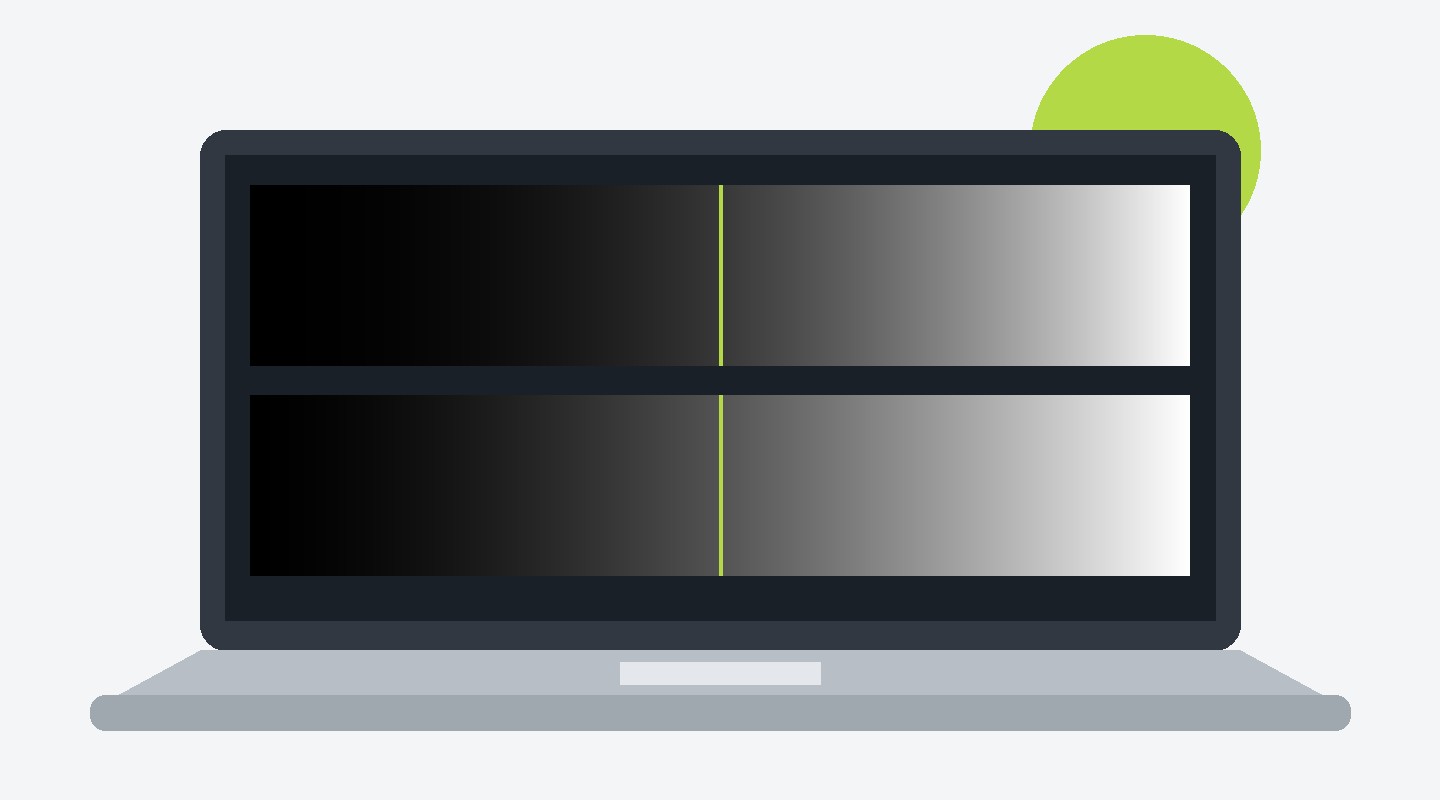
My laptop screen was already at 100% brightness, but in a bright room it still felt too dark. My workaround on KDE Plasma: an intentionally inaccurate ICC profile that lifts shadows and midtones, with a shortcut to switch it off again.
I tested this on Fedora Atomic with Plasma 6.8 under Wayland, using the internal eDP-1 display. Everything goes in my home directory; no root access or packages layered onto the base system.
What It Changes
The profiles tell KWin that the display has a higher gamma than it really does. KWin compensates by lifting darker tones. White stays at the same maximum brightness, so this does not increase the backlight or the panel’s peak brightness.
There are three levels: gamma 2.6, 3.0 and 3.4. Higher means a stronger lift. I use level 2 as the middle ground. Contrast and colour accuracy suffer, so this is a temporary reading aid, not calibration. Pure black need not change, but the overall image looks flatter.
1. Get the Profiles and Scripts
Download the complete ZIP. It includes all three ready-made ICC profiles, the Python generator, the helder helper and both shortcut files.
Individual downloads: level 1, level 2, level 3, generator, helper, enable shortcut, disable shortcut.
Extract the ZIP, open a terminal in the extracted directory, then install the files:
mkdir -p ~/.local/share/icc ~/.local/bin ~/.local/share/applications
cp helder-*.icc make-helder-icc.py ~/.local/share/icc/
install -m 755 helder ~/.local/bin/helder
cp net.local.helder-*.desktop ~/.local/share/applications/
Prefer generating the profiles yourself? The included Python script uses only the standard library. Once copied, run:
python3 ~/.local/share/icc/make-helder-icc.py
To change the strength, edit the gamma values in the final dictionary and regenerate. You do not need DisplayCAL or a colorimeter for these deliberately synthetic profiles.
2. Check Your Display Name
kscreen-doctor -o
The helper defaults to eDP-1. If your display has another name, edit the fallback in its OUT= line. That also makes the shortcuts below target the right display. For a one-off command, use HELDER_OUTPUT=DP-2 ~/.local/bin/helder 2 instead.
Underneath, enabling level 2 is just:
kscreen-doctor \
  "output.eDP-1.iccprofile.$HOME/.local/share/icc/helder-2.icc" \
  "output.eDP-1.colorProfileSource.ICC"
Returning to standard sRGB:
kscreen-doctor "output.eDP-1.colorProfileSource.sRGB"
These commands require a Plasma version that supports the ICC and colour-profile-source options. This is a Wayland workflow, not an xrandr workaround.
3. Try It, Then Add Shortcuts
~/.local/bin/helder 2       # Enable the middle setting
~/.local/bin/helder off     # Return to standard sRGB
~/.local/bin/helder 1       # Mild lift; use 3 for the strongest
~/.local/bin/helder status  # Show output and colour-profile information
The two supplied .desktop files call the same helper and show a notification through notify-send. The profile switching itself does not depend on notifications.
In System Settings → Keyboard → Shortcuts → Add New → Application, select the supplied entries and assign:
- Screen bright (level 2):
Ctrl+Shift+B. - Screen bright off:
Ctrl+Shift+Y.
They are hidden from the launcher menu with NoDisplay=true. If the shortcut picker does not list them, use its file chooser to select the files in ~/.local/share/applications. Log out and back in if Plasma has not picked up the new entries. Change the key combinations if they conflict with existing shortcuts.
Switch It Off Again
The profile can remain active. If the screen looks washed out later, check the profile before blaming a driver. Always disable it before colour-critical work. If you normally use a calibrated ICC profile, restore that profile instead of sRGB; the helper’s off command does not remember your previous settings.
To remove everything, first run ~/.local/bin/helder off, remove the two shortcut assignments in System Settings, then delete the installed files:
rm -f ~/.local/bin/helder \
  ~/.local/share/icc/helder-{1,2,3}.icc \
  ~/.local/share/icc/make-helder-icc.py \
  ~/.local/share/applications/net.local.helder-{2,off}.desktop
Three Takeaways
- This lifts darker content; it cannot make the backlight brighter.
- The profiles and scripts are included, and everything installs in your home directory.
- Keep an off shortcut handy: better readability in bright light comes at the cost of an accurate image.
Happy reading!
Full disclosure: An AI agent helped prepare the downloadable files and write this post from my working setup and notes.