A stressed server tangled in PHP cables hands over to a happy robot carrying a clean static web page into the cloud

From WordPress to Hugo: Why My Blog Is Now 100% Static

The Wake-Up Call A few days ago my hosting provider sent me a friendly message: “Warning: 500 emails have just been sent by your account.” Not what you want to read on a Saturday evening. My first thought: someone dropped a PHP shell on my WordPress blog and is using it as a spam cannon. I renamed PHPMailer as an emergency brake and started digging. What It Actually Was The good news: no shell. WordPress core and all plugins passed their checksum checks, and there were no unknown admin logins. The culprit was my own security plugin. Wordfence was blocking a brute-force wave of about 500 login attempts, and it was configured to send me an email for every single block, with no hourly limit. So the security plugin did its job and still got me an abuse warning. ...


October 25, 2026 · 4 min · Thomas Faddegon
Handheld gadget reading an RFID access card with keys coming from a laptop

MIFARE Classic on Flipper Zero: Card-Only Attack

For educational and research purposes only - only test systems you own or have explicit permission to test. The Goal I want to clone a MIFARE Classic 1K card with my Flipper Zero. 24 of 32 keys unknown, no reader access. Card-only attack because I don’t want to go to the card reader to test ;-) The Rabbit Hole The tooling landscape is a graveyard: - FlipperNested - EOL since 2023 - HardnestedRecovery (PC) - silently skips every log line containing dist, which current firmware writes on all of them - FlipperNestedRecovery (PC) - old log format, crashes on heap corruption - MFKey FAP (on-device) - works, but slow and memory-hungry ...

August 21, 2026 · 2 min · thomasf
Server next to a checklist where a magnifying glass reveals missed update boxes

WSUS Doesn't Tell You What You're Missing - Here's How to Find Out

If you manage Windows updates through WSUS, you’ve probably been there: a server is missing patches, you dig into it, and it turns out the product category was never enabled in WSUS. No warning, no report - it just silently never synced those updates. The frustrating part is that WSUS has no built-in way to tell you which product categories your clients actually need. You can see what’s subscribed, but not what you’re missing. It doesn’t know what’s installed on your clients unless you’ve already told it to care. ...

June 16, 2026 · 3 min · thomasf
Gaming laptop on an airplane tray with a switch choosing between two graphics cards

Steam and NVIDIA on Linux - which GPU are you actually using?

Somewhere over the Atlantic (on a plane heading to holiday) I had some spare battery so I was forced had to figure out something that had been bugging me for a while: when gaming on my Linux laptop, I never really knew whether Steam was using the NVIDIA GPU or the integrated Intel chip. No internet, but I did have a terminal. What follows is half an hour of trial and error at 10 kilometres altitude. ...

May 3, 2026 · 2 min · thomasf
Home vault server connected through a secure tunnel to the cloud with two certificates shaking hands

Self-hosted Vaultwarden with Cloudflare Tunnel and mTLS

I was using tailscale + vaultwarden before but I don’t want to use a VPN connection to access my passwords. But I do want a client certificate for extra security. So I write this to guide to exposing Vaultwarden securely via Cloudflare Tunnel, protected by mutual TLS (mTLS) client certificates. No open ports required. Please note: it looks like iOS bitwarden app don’t have the option to import a mtls certificate. ...

March 22, 2026 · 3 min · thomasf
Phone connected over USB to a laptop streaming photos, music and apps into a backup box

Fast Android backup with ADB

Want to create a full backup of your Android phone without root access? ADB (Android Debug Bridge) is your best friend. This method works on all Android versions and gives you complete control over what gets backed up. What You’ll Need Android phone with USB debugging enabled Computer with ADB installed USB cable Setup 1. Install ADB: # Ubuntu/Debian sudo apt install android-tools-adb # Windows: Download Android SDK Platform Tools # macOS: brew install android-platform-tools 2. Enable USB Debugging: ...

September 22, 2025 · 2 min · thomasf
minecraft

Running Minecraft Bedrock Client and Server on Linux

Running a local Minecraft Bedrock server on Linux is perfect for playing with your kids on the same network. Minecraft Bedrock is incredibly fun for family gaming sessions, and setting up your own server gives you complete control over the experience. Setting Up the Server Use the excellent itzg/minecraft-bedrock-server Docker container. Create a folder e.g. minecraft and in that folder the file docker-compose.yml: services: bds: image: itzg/minecraft-bedrock-server environment: EULA: "TRUE" ports: - "19132:19132/udp" volumes: - ./data:/data stdin_open: true tty: true Then create a folder data and start your server with: ...

August 22, 2025 · 2 min · thomasf
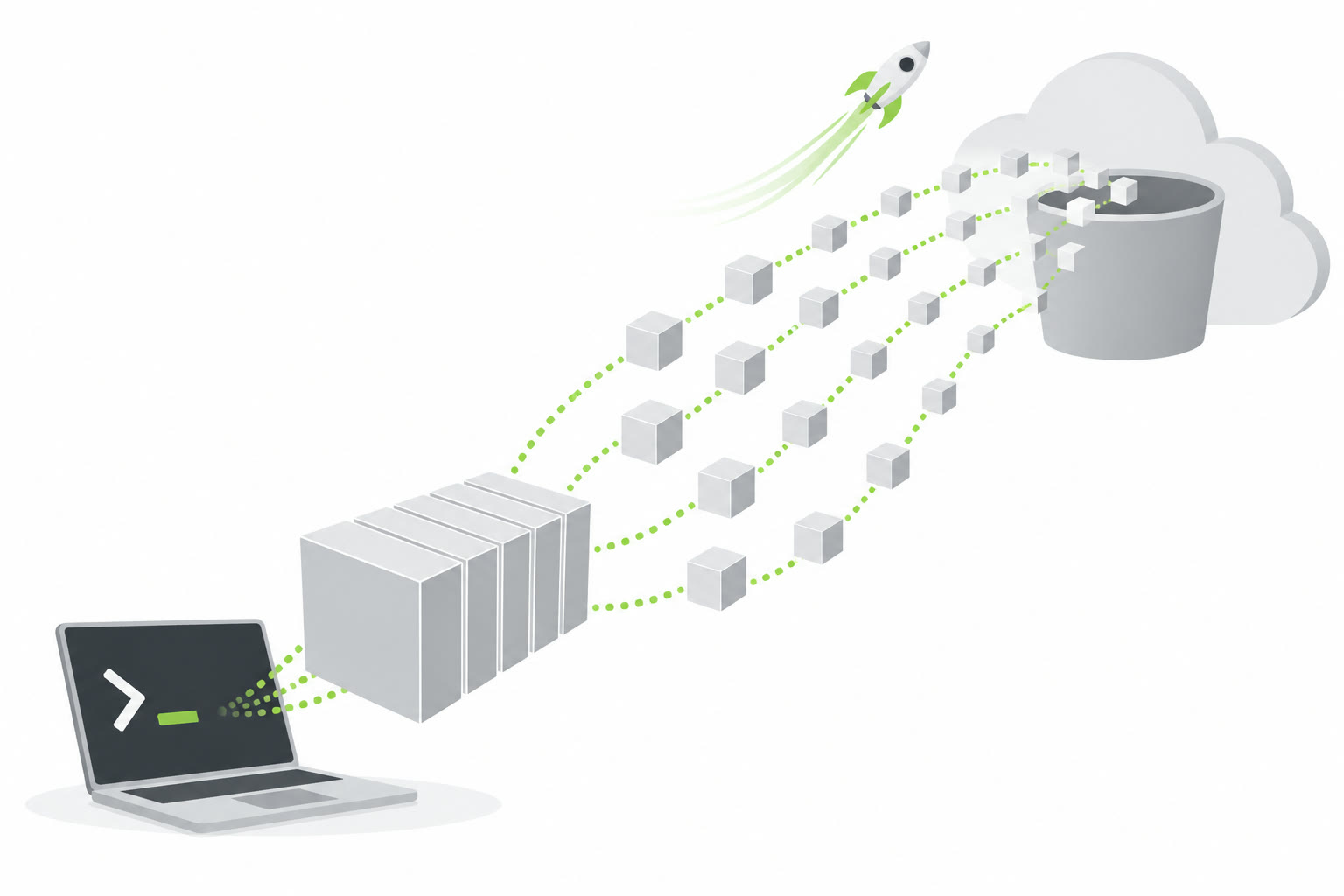
Large file split into chunks uploading in parallel from a terminal to a cloud bucket

Upload Large Files to Cloudflare R2 with rclone (One-liner)

I have a custom operating system with the name KompassOS (www.kompassos.nl) and sometimes we need to upload big ISO files to cloudflare. But if the files all the files bigger than 300MB you have to upload with the S3 API. So Need to upload large files (>300MB) to Cloudflare R2? Here’s how to do it with a single rclone command without creating config files. Prerequisites Create an R2 bucket in your Cloudflare dashboard Generate API credentials in Cloudflare R2 → Manage R2 API Tokens Install rclone The Command rclone copy ./your-file.iso ':s3,provider=Cloudflare,access_key_id=YOUR_ACCESS_KEY,secret_access_key=YOUR_SECRET_KEY,endpoint=YOUR_ACCOUNT_ID.r2.cloudflarestorage.com,no_check_bucket=true,force_path_style=true:your-bucket/' Key Parameters provider=Cloudflare - Tells rclone to use R2-specific settings no_check_bucket=true - Prevents bucket creation attempts (avoids 403 errors) force_path_style=true - Ensures compatibility with R2’s API Replace YOUR_ACCOUNT_ID with your Cloudflare account ID Replace YOUR_ACCESS_KEY and YOUR_SECRET_KEY with your R2 credentials Replace your-bucket with your bucket name Why This Works Regular file uploads in web interfaces are limited to 300MB. This method uses rclone’s multipart upload capability, allowing files of any size to be uploaded directly to R2 storage. ...

August 19, 2025 · 1 min · thomasf
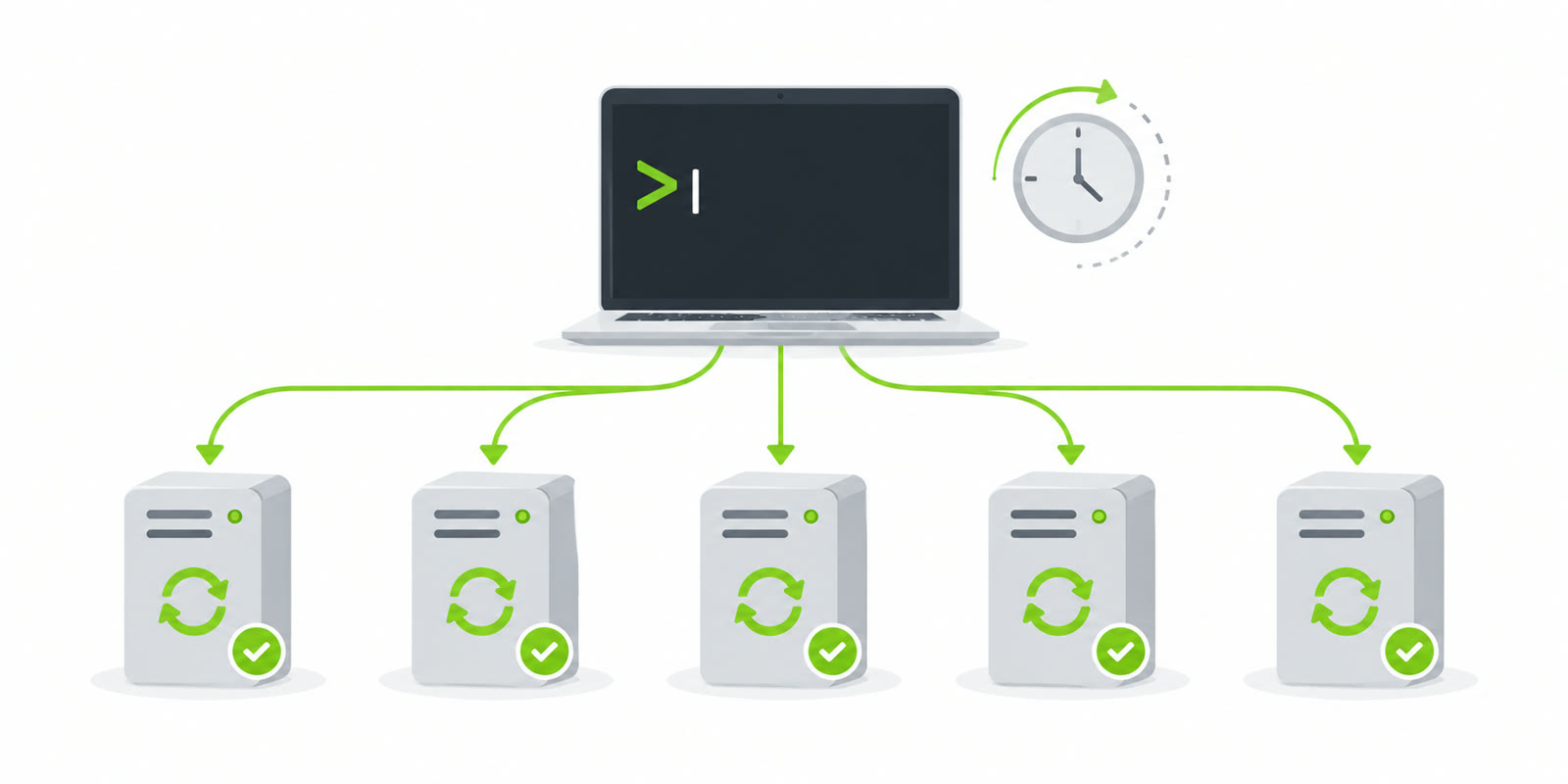
Laptop terminal pushing scheduled updates to a row of servers that all report success

Automating Windows Updates Across Multiple Servers with PowerShell

Managing Windows updates across multiple servers doesn’t have to be a manual, time-consuming process. With PowerShell and the PSWindowsUpdate module, you can automate the entire update process from a single session. The Solution This script creates scheduled tasks across multiple servers that will automatically install Windows updates and reboot when necessary: # Create scheduled task on all servers that runs in 2 minutes Invoke-Command -ComputerName $servers -ScriptBlock { $action = New-ScheduledTaskAction -Execute "PowerShell.exe" -Argument @" -ExecutionPolicy Bypass -Command " if (!(Get-Module -List PSWindowsUpdate)) { Install-PackageProvider -Name NuGet -Force Install-Module PSWindowsUpdate -Force } Import-Module PSWindowsUpdate Install-WindowsUpdate -AcceptAll -AutoReboot | Out-File C:\PSWindowsUpdate.log " "@ $trigger = New-ScheduledTaskTrigger -Once -At (Get-Date).AddSeconds(30) $principal = New-ScheduledTaskPrincipal -UserId "SYSTEM" -LogonType ServiceAccount -RunLevel Highest Register-ScheduledTask -TaskName "WindowsUpdateInstall" -Action $action -Trigger $trigger -Principal $principal -Force Write-Host "$env:COMPUTERNAME : Task created, updates starting in 2 minutes" } -ThrottleLimit 50 How It Works Scheduled Task Approach: Instead of running updates immediately, the script creates a scheduled task on each server. This allows your PowerShell session to complete quickly while updates run independently with proper system privileges. ...

June 19, 2025 · 2 min · thomasf
Confused browser cloud being redirected away from the wrong building to the right one, with a stopwatch

Azure Portal Keeps Redirecting to Wrong Tenant? Fix It in 30 Seconds

The Problem Ever tried logging into your personal Azure account only to get redirected to your company tenant over and over again? Even after clearing cookies, trying incognito mode, and switching browsers, the redirect persists like a stubborn bug. This happens because Azure remembers your email domain and automatically associates it with a business tenant—even when you have a personal account with the same domain. I recently ran into this exact issue when setting up a new Azure account, and after some experimenting, I found a bulletproof solution. ...

June 16, 2025 · 2 min · thomasf