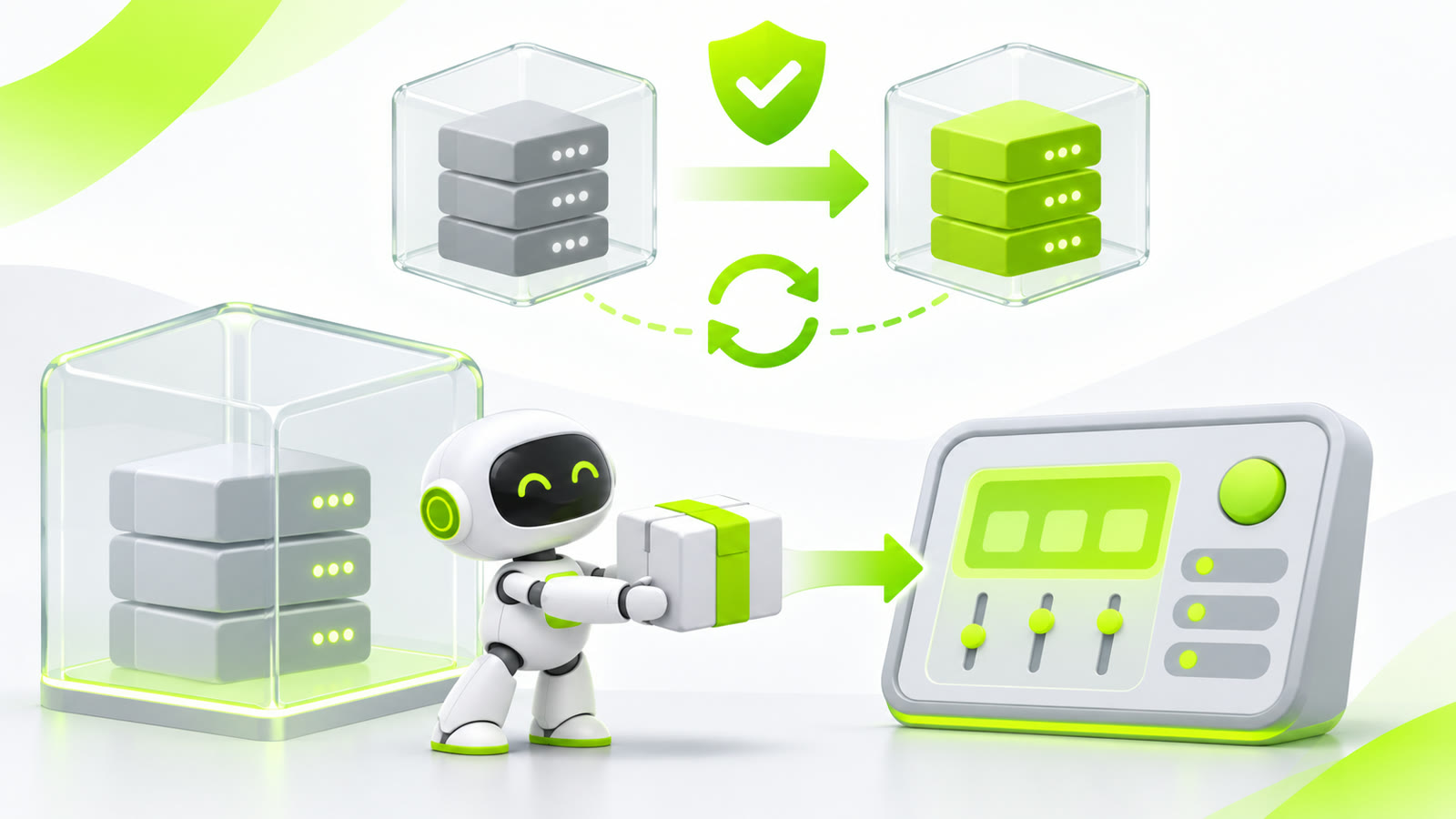
A small robot hands an update package to a host control panel while generic server containers, a shield and rollback arrows show a safe upgrade

Safely Updating Hermes When Hermes Runs in Docker

I run Hermes as a Docker container. Asking it to pull its own new image is easy. Letting that same container recreate itself is where things get interesting. A normal update looks harmless: docker compose pull hermes docker compose up -d --force-recreate hermes But when Hermes runs those commands from inside itself, docker compose up removes the container that is currently executing the update. The SSH session, shell or agent call can disappear after the old container is removed but before the replacement is started. The result is a Hermes container stuck in Created, and nobody left to finish the command. ...
November 3, 2026 · 7 min · Thomas Faddegon
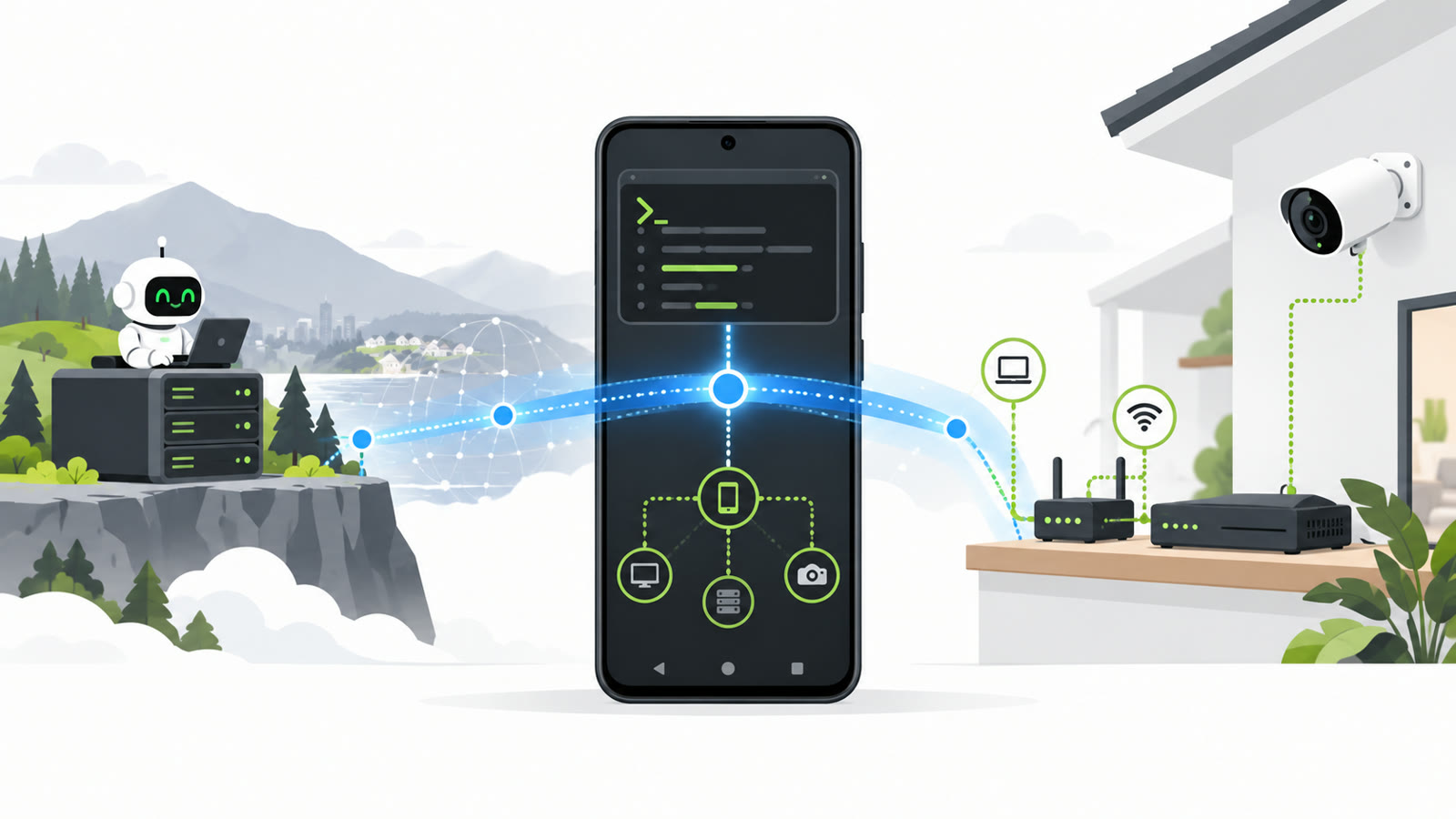
An Android phone acts as a secure bridge between a distant server and camera recorder on a local network, with a friendly white robot following the connection

Turning an Android Phone into a Remote LAN Probe with Tailscale and Hermes

I wanted to disable audio recording on one security camera. The RXCamView app could mute live playback, but that does not stop the recorder from saving audio. For that I needed the recorder’s web interface. Small problem: I did not know its IP address. I had only my Android phone on the same Wi-Fi network, while Hermes was running on a server somewhere else. That phone was already connected to my Tailscale network. Could Hermes use it as a remote nmap probe? ...

November 1, 2026 · 5 min · Thomas Faddegon
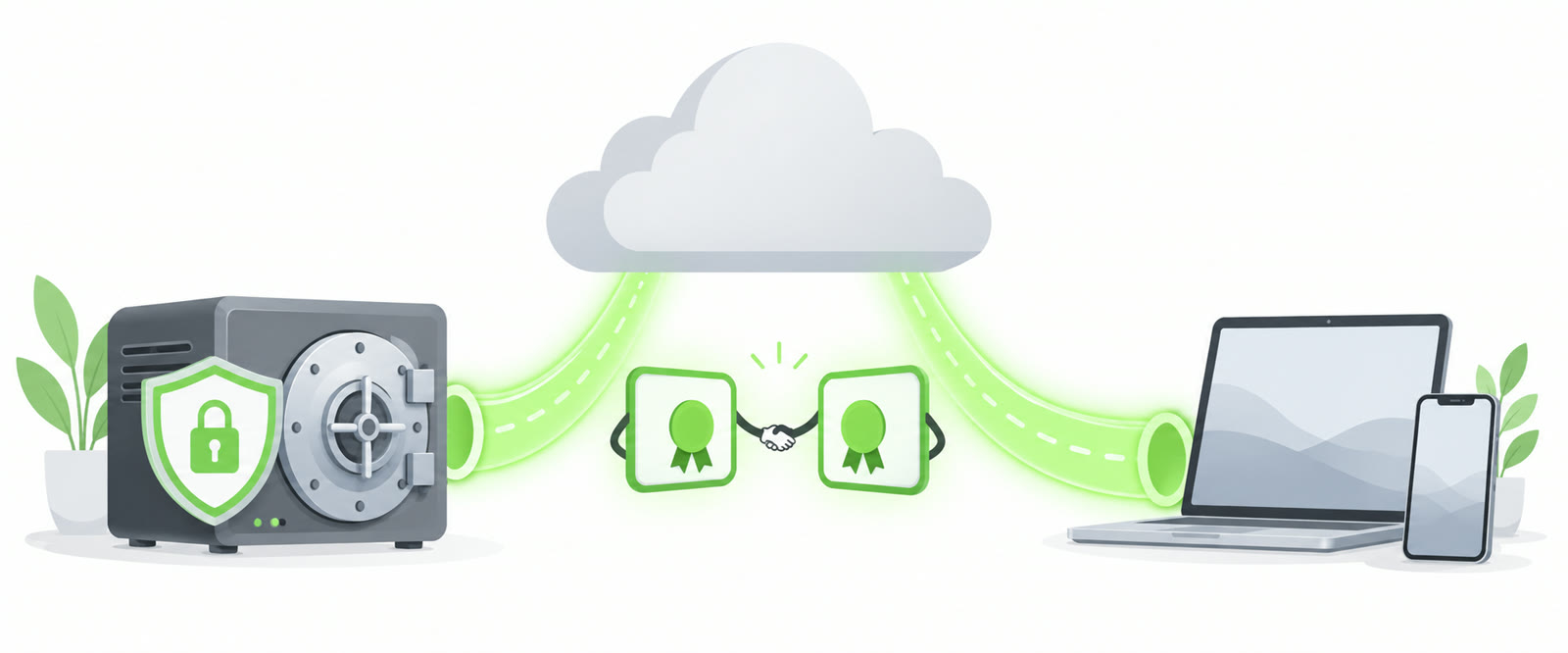
Home vault server connected through a secure tunnel to the cloud with two certificates shaking hands

Self-hosted Vaultwarden with Cloudflare Tunnel and mTLS

I was using tailscale + vaultwarden before but I don’t want to use a VPN connection to access my passwords. But I do want a client certificate for extra security. So I write this to guide to exposing Vaultwarden securely via Cloudflare Tunnel, protected by mutual TLS (mTLS) client certificates. No open ports required. Please note: it looks like iOS bitwarden app don’t have the option to import a mtls certificate. ...

March 22, 2026 · 3 min · thomasf
wale

Install Pihole on Synology with docker

Unfortunately, there isn’t a pihole addon in the Synology package center. But you can build your pihole in a docker container instead :) The reason you must use docker-compose instead of the Synology docker package itself is that you want to bridge net NIC of your Synology and place the pihole direct in your network. You cannot do this with the GUI. Install docker with the package center Activate SSH Download de image pihole/pihole:latest Login with ssh type vi docker-compose.yaml Paste the content from the docker-compose.yaml example into the vi Change the IP adressen to your own network Type :wr to save the file Type :q to quit vi Type “sudo docker-compose up” Have fun! # Note: 192.168.123.xxx is an example network, you must update all these to match your own. version: '2' services: pihole: container_name: pihole image: pihole/pihole:latest hostname: pihole domainname: localhost # <-- Update mac_address: d0:ca:ab:cd:ef:01 cap_add: - NET_ADMIN networks: pihole_network: ipv4_address: 192.168.123.199 # <-- Update dns: - 127.0.0.1 - 1.1.1.1 ports: - 443/tcp - 53/tcp - 53/udp - 67/udp - 80/tcp environment: ServerIP: 192.168.123.199 # <-- Update (match ipv4_address) VIRTUAL_HOST: pihole.localhost # <-- Update (match hostname + domainname) WEBPASSWORD: "justarondompassword" # <-- Add password (if required) restart: unless-stopped networks: pihole_network: driver: macvlan driver_opts: parent: ovs_eth0 ipam: config: - subnet: 192.168.123.0/24 # <-- Update gateway: 192.168.123.1 # <-- Update ip_range: 192.168.123.192/28 # <-- Update When you want to update the docker container, all you have to do is: ...

May 12, 2020 · 2 min · thomasf
certificate_icon

Create a strong self-signed certificate for multiple years

If you follow these steps you can create a self signed certificate with the following specifications: Wildcard certificate SHA256 hash 10 years 2048 bits public key Client and server verification Sha1 fingerprint Please use windows 10 powershell in admin mode. Otherwise you will get errors New-SelfSignedCertificate -certstorelocation cert:\localmachine\my -dnsname *.domain.local -NotBefore $([datetime]::now.AddDays(-15)) -NotAfter $([datetime]::now.AddDays(3560)) Now export the certificates. Before you copy/paste change the thumbprint with the thumbprint you get from the above command. ...

November 12, 2016 · 1 min · thomasf
SSL-Certificate-how-to-secure-your-web-site

Convert PFX to PEM and upload the certificate to Plesk

Export the Private Key: ` Remove the password from the SSL certificate (unencrypted is needed for plesk): Export the certificate: ` Now upload the certificate: And bind the certificate in your hosting settings:

December 21, 2015 · 1 min · thomasf

Brute force example MD5 password using hashcat

hashcat -n 2 -m 0 -a 3 --pw-min 9 hashfile.txt ?l?l?l?l?l?l?l?l?l?l -n = 2 threads -m 0 = md5 –pw-min 9 = minimal 9 characters hashfile.txt = is txt file where the hash is located ?l?l?l?l?l?l?l?l?l?l = lowercase password Have fun!

February 8, 2015 · 1 min · thomasf
FOCA-200-175

Social hacking with FOCA

Social hacking starts with: FOCA ( Fingerprinting Organizations with Collected Archives) Happy hacking :) URL: https://www.elevenpaths.com/labstools/foca/index.html

January 11, 2015 · 1 min · thomasf

Zenoss reverse proxy with Pound (CentOS)

Zenoss don’t support SSL certificates out-of-the-box. If you want to use an SSL connection to your zenoss monitor server the only thing you can do is use an reverse proxy. You can use this howto to install and configure a pound reverse proxy. Install the EPEL (more info about EPEL) repository with these commands: su -c 'rpm -Uvh http://download.fedoraproject.org/pub/epel/6/i386/epel-release-6-8.noarch.rpm' yum update Install pound yum install pound ...

February 27, 2014 · 2 min · thomasf